Credit Guardian
ContentsIndexHome
PreviousUpNext
Stop monitoring a company

If you no longer want to monitor a company you will have to inform the Credit Guardian server to stop monitoring it. Note: Stopping to monitor a company does NOT release its subscription licence until you renew your subscription.

To stop monitoring a company follow these steps:
  1. From the start page click View all monitored companies or from the sidebar Monitored Companies List. The Monitored Companies window will appear.
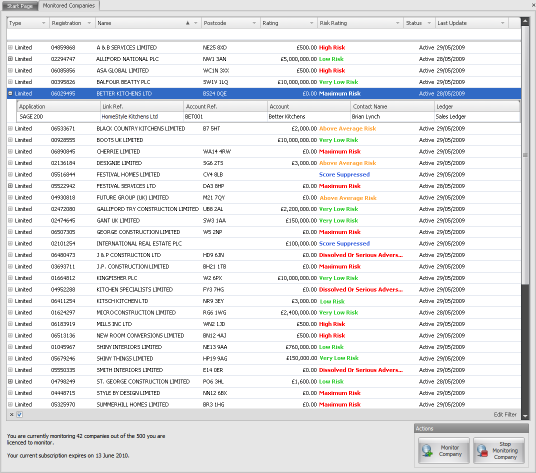
  1. Find the company in the list you want to stop monitoring and highlight it by clicking on it.

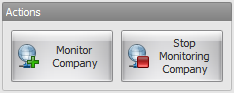
  1. In the Action panel click Stop Monitoring Company or right-click on the company in the list and select Stop Monitoring Company from the popup menu.

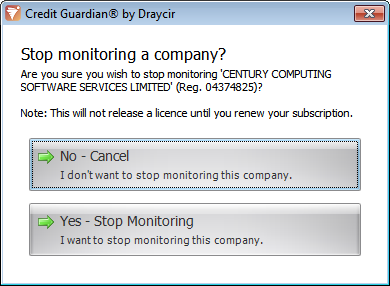
  1. A dialog box will appear asking you to confirm that you want to stop monitoring this company. Note: Stopping monitoring a company does NOT release a subscription licence until you renew your subscription.
  2. Click Yes - Stop Monitoring to stop monitoring the company.
  3. All updates to this company will cease and any accountancy links will be removed.

The company will remain in the monitored companies list but shown greyed out. On a subscription renewal the company will be removed from the list and the licence returned.

Copyright (c) 2007 - 2010 Draycir Limited. All rights reserved.
What do you think about this topic? Send feedback!